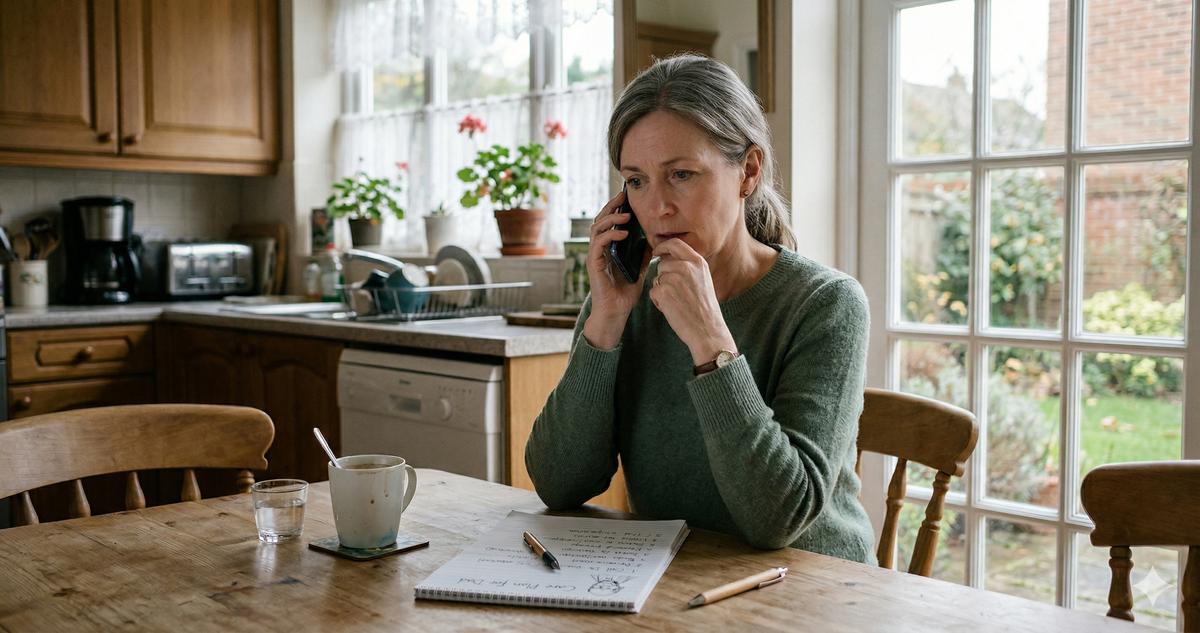
My mother called me on a Thursday evening, which was unusual because she usually texts. She sounded annoyed, not scared, which told me it wasn't a health thing. "Anak, I got a letter. They're closing the Social Security office."
Which one, I asked. She said the office in Lincoln Park, the one she'd been going to for years, the one where she knew the security guard by name. She'd bring a paperback and a granola bar because the wait was always at least ninety minutes. The form letter said the office was consolidating with another location, effective sometime this summer. No specific date yet. Just... soon.
I pulled up the news on my laptop after we hung up, and the bigger story turned out to be more tangled than the letter made it sound. Back in early 2025, the DOGE-driven federal budget cuts started reshaping how agencies operate, and a headline number spread fast: the Social Security Administration was "closing 47 offices." It got repeated everywhere. But read past the headline and those 47 were lease terminations on mostly underused spaces — around 26 were hearing offices (where disability appeals are held, and most of those run by video now) and about 21 were program service centers. The SSA pushed back hard on the idea that it was shutting the local field offices people actually walk into for cards, benefits questions, and Medicare help. Acting commissioner Leland Dudek said as much in March 2025.
So the scary version — "47 field offices, gone" — wasn't quite right.
But here's what is real, and what my mother was right to feel in her gut: the agency behind all of this is stretched thinner than it's been in decades. The administration pushed the SSA to cut about 7,000 jobs in 2025, down to roughly 50,000 employees — a fifty-year staffing low — and Frank Bisignano, confirmed as commissioner that May, has kept it on that leaner, push-everything-online path. Fewer people means longer phone waits, slower processing, and a lot more "handle it yourself on the website." If you or your parents rely on an SSA office for benefits questions, replacement cards, Medicare enrollment, or appeals, you need a plan for when the in-person option gets harder to reach.
So Is Your Local Office Affected?
Probably not closed outright — but its hours, staffing, and wait times may have shifted. The lease terminations that made headlines hit mostly hearing offices and program service centers, which are back-end facilities, not the field offices where you go in person. The reporting pointed to underused sites scattered across dozens of states — disability hearing rooms emptied out by the move to video, and service centers being consolidated. Smaller sites in areas with shrinking populations got hit hardest.
The way to know your own situation is to check directly. Go to ssa.gov/locator and type in your zip code. It'll show you the nearest field office, its address, and current hours. If you got a letter about a consolidation or a new assigned location — like my mother did — it'll name your new office. Haven't gotten one but you're worried? Call the office directly; the phone number is on the locator page.
One thing I noticed when I looked up my mother's situation: the office her letter pointed her to is fourteen miles farther away. For someone who drives, annoying. For someone who depends on a bus or a ride from family, fourteen miles might as well be a hundred.
Granted, the SSA says they're directing more services to online and phone channels to offset the closures. And honestly? Some of those online tools are better than I expected. But some things still require a human, in person, and pretending otherwise doesn't help anyone.
What You Can Actually Do on ssa.gov/myaccount
The SSA's online portal at ssa.gov/myaccount has gotten significantly better over the past two years. I set my mother up with an account last fall (took about twenty minutes and one mild argument about her password) and she's used it twice since then without calling me. If you know my mother, you know why I consider that a miracle.
What you can do online right now, no appointment needed:
Check your benefits. View your current monthly payment amount, your payment history, and your estimated future benefits if you haven't claimed yet. Most people go to the office for exactly this, and it's all right there.
Request a replacement Social Security card. Free replacement mailed to you, up to three per year, ten in a lifetime. Takes about ten minutes. Caveat: only works if you're not changing your name.
Download a benefit verification letter. The letter proving you receive Social Security, which landlords, banks, and other agencies ask for constantly. Used to require a trip to the office. Now it's a PDF download in about two minutes.
Check your earnings record. Make sure the SSA has your work history right. Errors can reduce your benefits permanently. My father found a gap in his record from 1998, a year he definitely worked, and getting it corrected took three phone calls and a faxed W-2. But he found the error online.
Change your address and direct deposit. If you've moved or switched banks, update both online.
Estimate your benefits. If you haven't claimed yet, the online estimator lets you run scenarios. What if you claim at 62? At 67? At 70? The difference can be hundreds of dollars a month, and knowing what the 2026 Social Security changes mean for your check matters.
Setting Up a ssa.gov/myaccount Account
Actually, let me back up. Before my mother could do any of that, we had to get her logged in. And this part tripped us up more than I expected.
The SSA uses Login.gov or ID.me to verify your identity. Both require a government-issued photo ID and either a phone number or an email address. My mom used Login.gov because the interface felt slightly less overwhelming. The process:
- Go to ssa.gov/myaccount and click "Sign In / Create Account"
- Choose Login.gov (or ID.me, both work)
- Enter your email and create a password, at least 12 characters. I helped my mom pick one using three random words plus a number. We wrote it in her password notebook. Yeah, she has a password notebook. It lives in her nightstand drawer
- Set up two-step verification. Login.gov requires it, no skipping. They send a code to your phone each time you log in. Takes 15 seconds
- Verify your identity. You'll upload or photograph your driver's license (front and back), then take a selfie. Login.gov compares the two. My mom held her phone too close the first time and got an error. Second try worked!
- Answer security questions based on your credit history. My mom got frustrated because one question referenced a credit card she'd closed eight years ago. But she got through it
The whole process took about twenty-five minutes. If you're helping a parent, sit with them. Don't try to walk them through it over the phone. The photo verification step alone needs someone there to hold the ID flat and make sure the lighting is decent.
If verification fails (and it does sometimes, especially for people with thin credit histories or name changes) the SSA offers in-person identity verification at remaining field offices. Which brings us back to the problem: what if that office is now forty miles away?
What Still Requires In-Person or Phone
Not everything is online yet. I want to be honest about this because I've seen articles suggesting you can handle everything digitally now. You can't.
Applying for SSI (Supplemental Security Income). Must be done by phone or in person. Period. Call 1-800-772-1213.
Disability appeals and hearings. You can start a disability application online, but appeals and reconsiderations often require phone appointments with a claims representative.
Complex benefit situations. Survivor benefits, divorced spouse benefits, dual entitlement. These need a conversation with someone who can pull up multiple records and walk through the math.
Name changes. Marriage, divorce, or legal name change requires in-person documentation.
Identity verification that failed online. If Login.gov or ID.me can't verify you digitally, the fallback is an in-person visit.
For these situations, you have three options: call 1-800-772-1213, request a phone appointment through the local office, or visit the nearest remaining field office.
The Phone Option: 1-800-772-1213
Let me be real about the phone experience. Better than it was five years ago. Still not great.
The SSA's national line is 1-800-772-1213, available Monday through Friday, 8 AM to 7 PM local time. TTY users: 1-800-325-0778. Wait times vary wildly. I've gotten through in twelve minutes on a Wednesday afternoon. My mother waited thirty-eight minutes on a Monday morning. The SSA's own data shows average waits hovering around 30 minutes in early 2026, with some days spiking past an hour.
A few things that help. Call between 10 AM and 12 PM or after 4 PM, when hold times tend to be shorter. Avoid Mondays entirely if you can. Have your Social Security number, date of birth, and any relevant paperwork in front of you before you dial.
You can also request a callback instead of waiting on hold. When the automated system offers it, take it. You keep your place in line without listening to hold music for half an hour.
And something that surprised me: you can schedule a phone appointment with your local office for complex issues. Call the 1-800 number and ask to be transferred, or look up the direct number on ssa.gov/locator. They'll book a specific time slot. Not every office does this consistently, but worth asking.
Video Appointments: The Option Nobody Knows About
The SSA now offers video appointments for certain services. They rolled this out during COVID and kept it going because, honestly, it worked.
Video appointments let you meet face-to-face with an SSA representative through Microsoft Teams. You don't need to download anything special; the link works in a browser on your phone, tablet, or computer. You can show documents by holding them up to the camera. You can have a family member sit next to you for support.
To request one, call your local office or the 1-800 number and ask specifically for a video appointment. Available for benefit consultations, retirement applications, and some Medicare-related questions, though not every office offers them for every service.
Mang Ben, a friend of my dad's from the old neighborhood, used a video appointment to sort out a survivor benefit question after his wife passed last year. He told me the representative shared her screen to walk him through the calculation. "Better than going downtown," he said. "And I didn't have to find parking!" He's 79 and he figured out Microsoft Teams. The bar is not as high as people think.
How Adult Children Can Help Right Now
If you're reading this as someone with aging parents (and honestly, I'm writing for you because I am you) here are the specific things you can do this month.
Check whether their office is affected. Go to ssa.gov/locator, type in their zip code, and confirm the address and current hours. If they got a letter about a consolidation or a new assigned office, find out where it is and how far the drive would be.
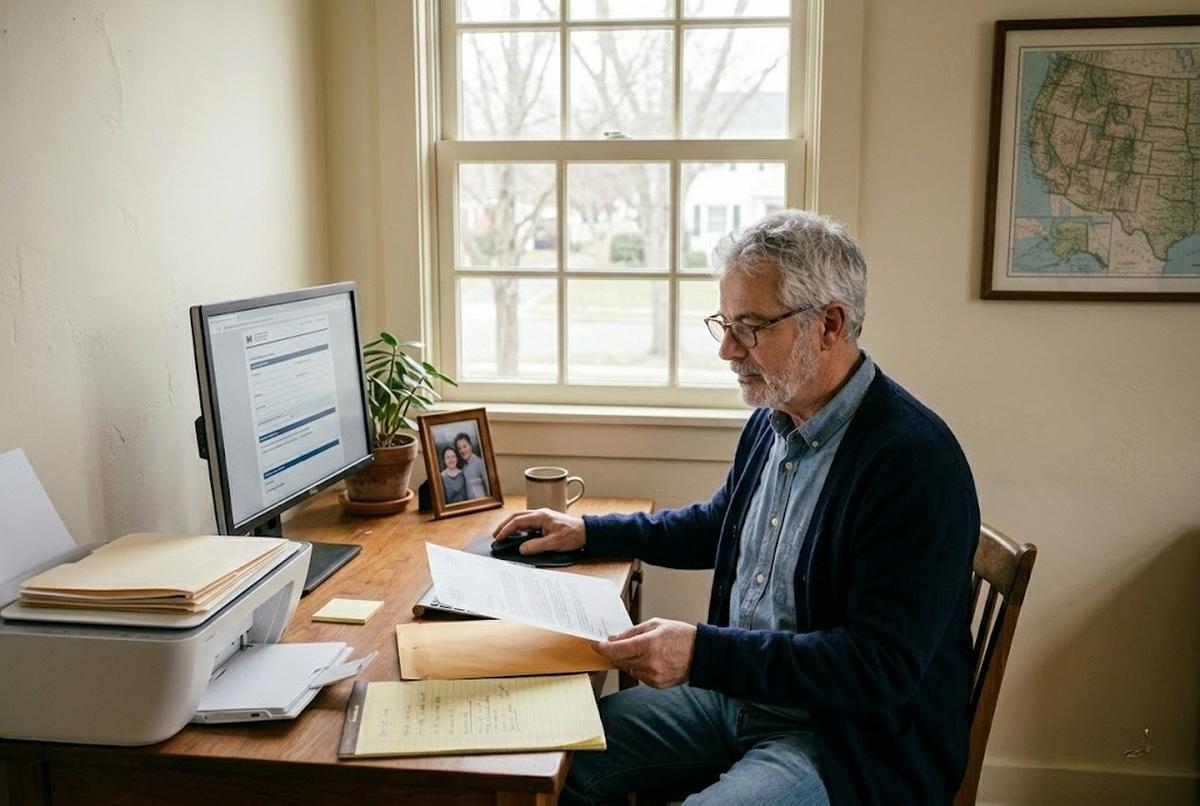
Set up their ssa.gov/myaccount account. Block off thirty minutes. Bring their driver's license, their Social Security number, and their phone. Do it together, in person. The photo verification step is where most parents need help.
Print the key documents. Once logged in, download and print their benefit verification letter, their earnings record, and their current payment summary. Put these in a physical folder. My mother keeps hers in the same cabinet as her Medicare card.
Save the phone number. Add 1-800-772-1213 to their phone contacts as "Social Security." It sounds small but it matters. When your spouse's Social Security benefits or any other question comes up, your parent shouldn't have to search for the number.
Talk about what's coming. I know. The uncomfortable part. Your parents might not want to admit the system they've relied on for decades is changing. Mine didn't. My mother said, "Why can't they just leave things alone?" I didn't have a good answer. But I'd rather she be frustrated with me for fifteen minutes while we set up her account than panicked later when she needs something and the office door is locked.
Scams Will Follow the Disruption
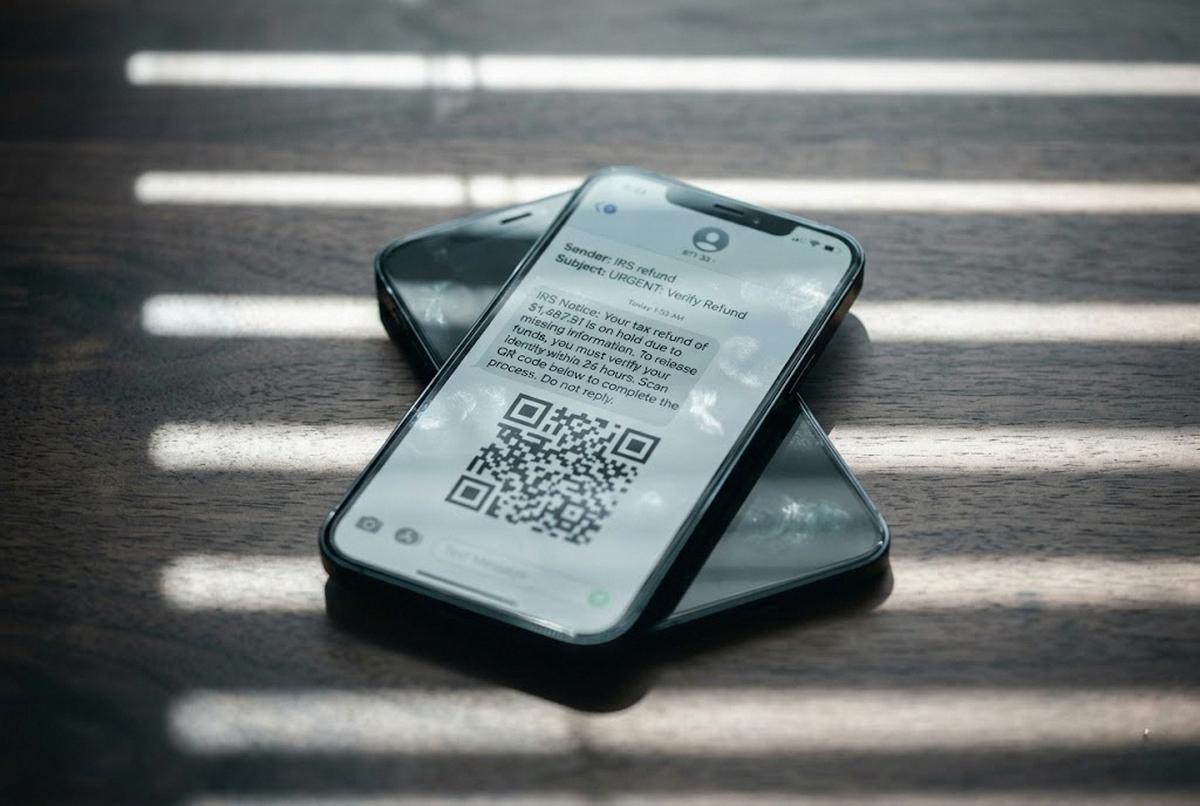
Every time a government service gets disrupted, scammers move in. They know seniors are confused and looking for help. And they will absolutely call your parents pretending to be from the Social Security Administration, offering to "help" with the transition.
The SSA will never call you threatening arrest. Never demand gift cards. Never ask for your full Social Security number over the phone to "verify your account." If someone calls saying your benefits are being suspended unless you act immediately, hang up. Full stop.
The Office of the Inspector General's scam hotline is 1-800-269-0271. Report suspicious calls. And talk to your parents now, before the calls start, about what a real SSA communication looks like versus a fake one. Real letters come from specific offices with specific case numbers. Real representatives don't threaten. I wrote about how to spot a Medicare scam earlier this year, and the same instincts apply here. Urgency is the weapon. Calm is the defense.
What Comes Next
The lease terminations are done, and more belt-tightening may follow. The SSA's workforce is smaller than it's been in decades, and the push toward digital services is accelerating whether the people who depend on those services are ready or not.
I don't love it. I think about Mang Ben figuring out Microsoft Teams at 79, and I think about every senior who doesn't have his determination or a kid who can sit there and walk them through it. The consequences of falling behind aren't theoretical. Missed benefits. Delayed appeals. Unanswered questions about money people need to live.
But getting angry at the system doesn't get the account set up. So one afternoon. Your parent's house. Their phone, their ID, and a cup of coffee. Set up the ssa.gov/myaccount account together. Print the documents. Save the phone number. Walk them through what's online and what still needs a call. If something doesn't work the first time (and something won't, because it never does) try again.
If you're a senior doing this on your own, call 1-800-772-1213 and ask for help setting up your online account. Bring patience and a pen.
And if you're in this with me, juggling your own life while trying to make sure your parents don't get left behind by a system moving too fast, I see you. It's exhausting. It's necessary. And you're doing more than you think.