My father's blood pressure at the cardiologist's office last spring was 162/94. Two weeks later at home, on a $79 Omron, it was 128/78. Same arm, same time of day, sitting still for five minutes the way the nurse never lets you. The cardiologist looked at the home log, took him off one of the two medications he'd been about to add, and said, "We would have been treating a parking lot."
That's the case for home health monitors in one paragraph. Granted, the case against is also real. Most of these gadgets sell you a number, not a diagnosis. The trick is knowing which numbers actually change something and which ones just give you a new thing to worry about at 11 p.m.
I've spent the last year buying, testing, and quietly returning a pile of devices for my parents. Below is the short list of what I'd recommend, what I'd skip, and why. Prices are what I paid in 2026. Medicare coverage notes are current but always worth double-checking with your plan.
Blood Pressure: The One Almost Everyone Should Own
If you buy one device, buy this one. Hypertension is the most common condition my parents' generation manages, and the office reading you get twice a year is genuinely worse data than a week of home readings.
I tested three. The Omron Platinum BP5450 ($90 on sale, $130 list) was the best of the bunch. Upper-arm cuff, two-user memory, Bluetooth to the Omron Connect app, and an irregular-heartbeat indicator that actually flagged my father's occasional atrial fibrillation before his cardiologist did. The Withings BPM Connect ($100) is prettier and syncs to the Health Mate app, which my mother prefers because the chart is easier to read. Skip wrist monitors. I bought one for travel, compared it to the upper-arm device five mornings in a row, and the wrist readings were off by 10-14 points on the systolic. The American Heart Association has been saying this for years and I should have listened.
The protocol that makes the data useful: same arm every time, feet flat, no coffee in the previous half hour, sit quietly for five minutes before pressing the button, take two readings a minute apart and record the average. Do this twice a day for a week before any cardiology appointment. Bring the log. I've watched two of my father's appointments turn into different appointments because of that log.
Pulse Oximeters: Useful for Specific Problems, Not for Everyone
A pulse ox clips on the finger and reads blood oxygen saturation. If you have COPD, congestive heart failure, severe asthma, or you're recovering from pneumonia, it earns its keep. If you're healthy, it's a device that produces anxiety on demand.
The Masimo MightySat ($250-300) is the same brand hospitals use and the readings hold up at low perfusion: cold fingers, poor circulation, the conditions where cheap pulse oximeters quietly lie to you. For most people the Wellue O2Ring ($170) is plenty: it's a ring instead of a clip, so you can wear it overnight and pull a sleep report off the app the next morning. That's how my father's sleep apnea got flagged before he ever did a formal sleep study. The $20 drugstore clip is fine for a one-time check but I would not trust it to drive any decision more serious than "should I call the doctor."
A real number for the people who like real numbers: independent comparison studies have put cheap fingertip oximeters off by as much as 6 percentage points compared to arterial blood gas, especially on people with darker skin tones. That's the difference between "fine" and "go to the emergency room." Buy the medical-grade one if the reading is going to drive a decision.
Continuous Glucose Monitors: A Genuine Game-Changer for Diabetics
This is the category where the technology has actually changed lives, and where Medicare coverage has finally caught up. If you or a family member is on insulin, or has Type 2 diabetes managed with medication, talk to the doctor about a CGM. Don't buy one off the shelf without that conversation, because Medicare Part B now covers the Abbott FreeStyle Libre 3 and the Dexcom G7 for most insulin-using diabetics, and the out-of-pocket cost goes from about $75 per sensor (cash) to roughly $35 per month (covered) with the right prescription.
The sensor is the size of two stacked quarters, sits on the back of the upper arm for 14 days (Libre) or 10 days (Dexcom), and reads glucose every minute through a tiny filament under the skin. No finger pricks for routine monitoring. The app graphs the whole day. You see, in actual data, that the white rice at dinner spikes you to 220 and the same portion of brown rice tops out at 160. That kind of feedback changes behavior in a way no pamphlet ever has. For a deeper look at the management side, our piece on diabetes management for seniors covers what to do with the data once you have it.
The catch: if you're not diabetic, a CGM mostly teaches you that your blood sugar goes up when you eat and down when you don't. There's a wellness-influencer industry trying to sell you on "metabolic optimization" for $200/month. Skip it.
Smartwatches with ECG and Fall Detection: Worth It for the Right Person
The Apple Watch Series 11 ($399) and Withings ScanWatch 2 ($350) both do a single-lead ECG that can spot atrial fibrillation. The Apple Watch also has fall detection, which is the feature that genuinely moves the needle for a senior living alone. If a watch is the route you're leaning toward, I broke down which Apple Watch model and health features are actually worth it for seniors in a separate deep dive.
My parents both wear Apple Watches now. The fall detection has gone off exactly twice in two years for my father. Once when he dropped it on the kitchen floor (false alarm, he canceled the alert with three seconds to spare) and once when he genuinely went down hard in the garage and could not get up (real alarm, my mother got the call). One real save justifies the device. The atrial fibrillation alerts are more complicated. My father gets occasional notifications that turn out to be motion artifacts, and his cardiologist mostly ignores them. But the long-term heart-rate trend graph has been useful at appointments.
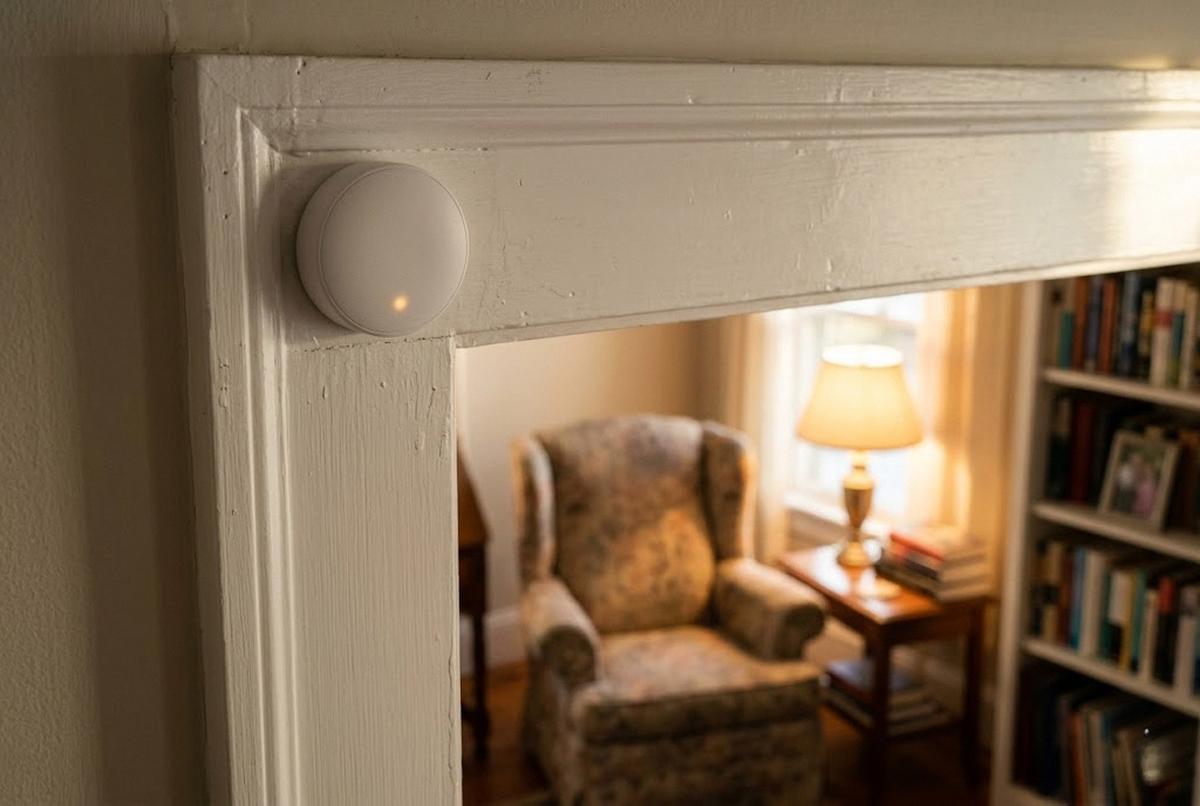
If the person you're shopping for refuses to wear a watch, and plenty of people do, there are alternatives. Our writeup on smart-home fall detection sensors covers the no-wearable, no-camera options that sit in the corner and watch the room without watching the person.
Medical Alert Pendants: Old Tech, Still the Right Answer for Some
If the user won't wear a watch, won't carry a phone, and lives alone, the traditional medical alert pendant still works. Bay Alarm Medical ($25-40/month) and Medical Guardian ($30-45/month) both offer cellular pendants with fall detection and 24/7 monitoring centers. The trade-off versus the Apple Watch is real: pendants do one thing (call for help) and they do it whether the user has charged anything that day. The Apple Watch is dead by 9 p.m. if you forgot to charge it the night before.
I helped a neighbor's mother set up Bay Alarm last year. The monthly cost stings, but the math is simple: one ambulance call avoided because help came in seven minutes instead of seventy pays for two years of service. I put all five major systems through a side-by-side test in the best medical alert systems for 2026, with real response times and first-year costs. Avoid Life Alert specifically. The contracts are longer than competitors and the cancellation process is famously punishing. The product works; the company is the problem.
Smart Scales and Sleep Trackers: Nice to Have, Easy to Ignore
The Withings Body Comp ($200) and Renpho scales ($35-60) both do weight plus body-composition estimates. Honest assessment: the bioimpedance body-fat number is rough. These scales push a tiny current through your feet and infer composition from resistance, which is a fine trend tracker but not accurate enough to mean much on any single day. What is useful is the daily weight log itself, especially for people with heart failure, where a two-pound overnight gain can be an early sign of fluid retention. Cardiologists actually read those logs.
Sleep trackers like the Oura Ring, Whoop, and the Apple Watch sleep app are entertaining and occasionally useful. They tell you that you slept poorly on nights you already knew you slept poorly. The data has not, in my experience, changed anything my parents actually do. I would not put it on the buy list.
How to Decide What to Buy First
Here's the order I'd shop in if I were starting from scratch.
- Blood pressure monitor if anyone in the house has hypertension or is being watched for it. This is the highest-yield device in the category.
- CGM if there's diabetes in the picture, with a prescription so Medicare covers it.
- Apple Watch or medical alert pendant if the person lives alone, especially after 75.
- Pulse oximeter if there's COPD, heart failure, or sleep apnea.
- Everything else is optional. Most of it is optional.
A last thing on the data itself. The point of all of this is not to generate numbers. It's to generate numbers your doctor will actually use. Before you buy anything, ask the doctor's office what they want to see and how they want to see it. My father's cardiologist takes a printed PDF from the Omron app at every visit. My mother's endocrinologist pulls her Libre data directly through a clinic dashboard. Match the device to the workflow that's already there, and the gadget becomes useful overnight. Buy the device first and figure it out later, and it sits in a drawer next to the rest of the good intentions.
For a broader look at staying ahead of problems before they show up, our guide to preventive checkups and screenings pairs well with the home data side of the equation. And if the bigger question is whether the house itself is set up for someone to keep living in independently, the aging-in-place basics is the place to start.
None of this replaces a doctor. All of it makes the doctor's appointment shorter, sharper, and more honest. That's the whole game.